
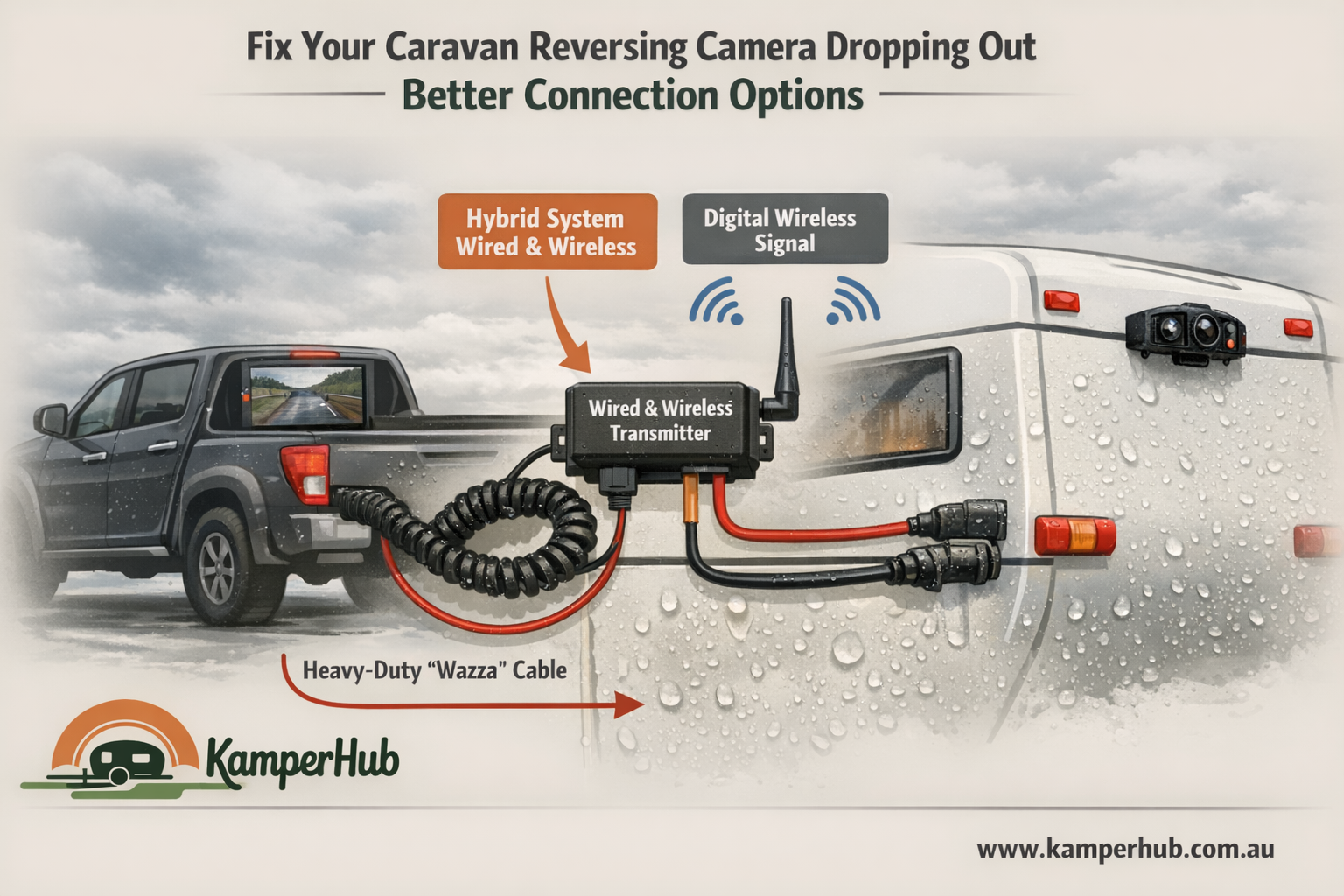
Fix Your Caravan Reversing Camera Dropping Out — Better Connection Options
The Problem: Intermittent Video Feed
If you've got a reversing camera on your caravan, chances are you've dealt with the video cutting in and out. It's one of the most common complaints among caravanners — and it almost always comes down to one thing: the connection between your tow vehicle and your van.
Most setups run the camera signal through the 7-pin trailer plug. It works — until it doesn't. Road vibration, moisture, dust, and corrosion all take their toll. After a few thousand kilometres, you're left with a flickering screen or no image at all.
The good news? There are better options.
Why the 7-Pin Plug Fails
Planning your next road trip?
KamperHub helps you plan routes, track weights, and travel with confidence. Free to use — no credit card required.
Get Started FreeThe 7-pin (or 12-pin) trailer connector was designed for lights, brakes, and charging — not video signals. Video requires a clean, stable connection with minimal interference. Running it through a multi-purpose plug introduces:
- Vibration looseness — pins wear and lose contact over bumps
- Corrosion — exposed to rain, road spray, and dust
- Signal interference — sharing a connector with power lines creates noise
- Wear and tear — connecting and disconnecting wears the pins down
If your camera works perfectly when parked but drops out on the road, this is almost certainly your issue.
Better Connection Options
1. 4-Pin Aviation Connector (Best Option)
This is the gold standard for reversing cameras. Aviation-grade connectors feature:
- Locking screw thread — won't vibrate loose
- Waterproof rating (IP67 or IP68)
- Dedicated video pins — no shared connections
- Durable metal construction
Most quality aftermarket camera kits already use these. If yours terminates into the 7-pin plug, the fix is to re-route the cable to a standalone aviation connector mounted separately.
Cost: $10–$25 for a pair of connectors
2. Dedicated Anderson Plug
Run a completely separate cable between your vehicle and van with Anderson connectors. This keeps the video signal isolated from everything else.
- Weatherproof and solid contact
- Easy to connect and disconnect
- Can carry both video signal and camera power
- Mount it next to your existing trailer plug
Cost: $15–$30 for connectors plus cable
3. Wireless Camera Kit
Eliminate the physical connection entirely. Modern digital wireless camera kits are surprisingly reliable:
- No cable between car and van — nothing to corrode or vibrate loose
- Digital signal (not analogue) means clearer image
- Easy to install — no running cables through the vehicle
- Works with any tow vehicle/van combination
Look for kits with digital (not analogue) transmission. Analogue wireless cameras suffer from interference near trucks and other vehicles.
Cost: $150–$400 for a complete kit
Quick Fixes to Try First
Before replacing your connection, try these:
- Clean the connector — use electrical contact cleaner spray on both the plug and socket
- Apply dielectric grease — prevents future corrosion and improves contact
- Check the ground wire — a loose or corroded ground is the most common cause of intermittent signal
- Inspect for damaged pins — bent or worn pins won't make reliable contact
- Tighten all screw terminals — vibration loosens them over time
If cleaning and greasing fixes the problem temporarily but it comes back, it's time to upgrade the connection type.
Our Recommendation
For most caravanners: Install a dedicated 4-pin aviation connector. It's cheap, reliable, and purpose-built for the job. Mount it near your existing trailer plug but keep it completely separate.
For those who tow different vehicles or vans: Go wireless. A quality digital wireless kit means you never have to worry about physical connections again.
Whatever you do: Get the video signal out of the 7-pin trailer plug. It was never designed for it, and no amount of cleaning will make it reliable long-term.
Related Tools
Use our Weight Compliance Calculator to make sure any new accessories you add are accounted for in your payload budget. Even small items like connectors and cable runs add up.
Useful Resources
Join the Conversation
Found this helpful? Try KamperHub — it's free
Weight tracking, trip planning, and towing compliance — all in one app.
Scott Carlton
Helping travellers tow safely and confidently. KamperHub provides tools for trip planning, weight compliance, and adventure management.
Plan Your Next Caravan Adventure with KamperHub
Trip planning, weight tracking, fuel management, and more. Everything you need for safe and confident towing.
Get Started Free